Integrations
Turn engineering activity into insights
Connect your engineering Stack. Measure what actually gets delivered. Pensero connects to your existing tools to understand performance and productivity.
Why integrations matter
One view across every tool you run
Pensero connects your whole delivery stack, so humans, AI-assisted engineers, agents and providers are measured with the same criteria, in delivery points.
25 tools
- GitHub
- GitLab
- Bitbucket
- GitHub Copilot
- Cursor
- Claude Code
- Gemini Code Assist
- OpenAI Codex
- LiteLLM
- SonarCloud
- Jira
- Linear
- YouTrack
- GitHub Projects
- Confluence
- Notion
- Google Drive
- Slack
- Teams
- Google Chat
- Google Calendar
- Microsoft 365 Calendar
- Devin AI
- Factory
- Okta
- Total cost per delivery point
$4.04$3.15−22%Since April - Delivery by type of work54% agenticHuman-only 8%AI-assisted 38%Agentic 54%
- Next moveAction: Move test writing to the test agent−42% cost per point
Categories
GitHub
Repositories
Connect repositories, pull requests and activity to see what your teams deliver.
GitLab
Repositories
Import repository events, merge requests, and pipelines to understand how code moves from commit to release.
Bitbucket
Repositories
Bring in repository and pull request data to monitor collaboration and code delivery across teams.
GitHub Copilot
AI coding assistants
Track Copilot usage and see how AI-assisted coding changes delivered output.
Cursor
AI coding assistants
Analyze how teams use Cursor to accelerate coding workflows and AI-assisted development.
Claude Code
AI coding assistants
Measure Claude Code adoption and its impact on delivered work.
Gemini Code Assist
AI coding assistants
Measure how developers use Gemini to write code and move faster.
OpenAI Codex
AI coding assistants
Capture Codex-driven coding interactions to understand AI’s role in software delivery.
LiteLLM
AI coding assistants
Track tokens, cost, and edited lines for each model call that goes through your LiteLLM proxy.
SonarCloud
Code quality
Bring code quality, reliability and security findings into one view.
Jira
Tickets and work management
Integrate issues, epics, and workflows to connect engineering activity with project progress.
Linear
Tickets and work management
Import issues and project updates to tie delivery to your roadmap.
YouTrack
Tickets and work management
Connect issue tracking and sprint data to visualize how work flows through development cycles.
GitHub Projects
Tickets and work management
Sync project boards and tasks to align development work with planning and delivery goals.
Confluence
Documents
Bring documentation and planning work into the picture, so output covers more than code.
Notion
Documents
Link team knowledge, docs, and project notes to provide context around engineering work.
Google Drive
Documents
Access shared docs to connect planning artifacts with development efforts.
Slack
Collaboration
Capture Slack conversations tied to tickets to understand team collaboration.
Teams
Collaboration
Capture Teams discussions around issues to reveal collaboration patterns.
Google Chat
Collaboration
Keep discussions connected to development activity through Google Chat.
Google Calendar
Calendars
Track team absences and time off to better understand delivery timelines.
Microsoft 365 Calendar
Calendars
Sync absences so delivery numbers account for availability.
Devin AI
Enterprise onlyAI agents
Track what Devin delivers, at what cost and with what quality.
Factory
Enterprise onlyAI agents
Track what Factory delivers, at what cost and with what quality.
Okta
Enterprise onlyIdentity and provisioning
Keep your people and access in sync.


Understand how delivery moves through your teams
- Bitbucket
- GitLab
- GitHub
Measure AI usage in context
- Claude Code
- Gemini Code Assist
- OpenAI Codex
- Cursor
- GitHub Copilot
- LiteLLM
See what humans and agents each deliver
- Devin AIEnterprise only
- FactoryEnterprise only
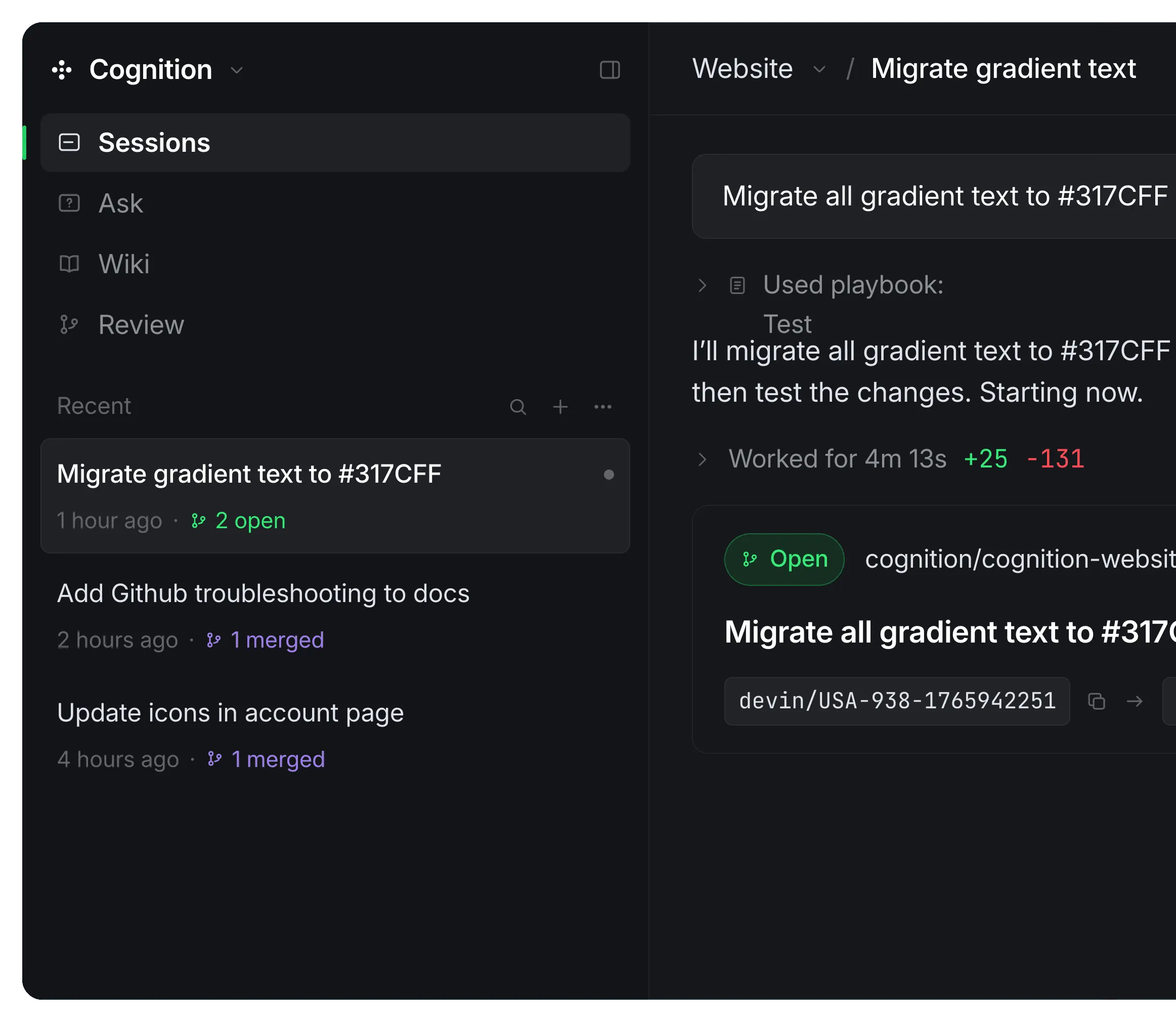
See how quality issues slow engineering output
- SonarCloud
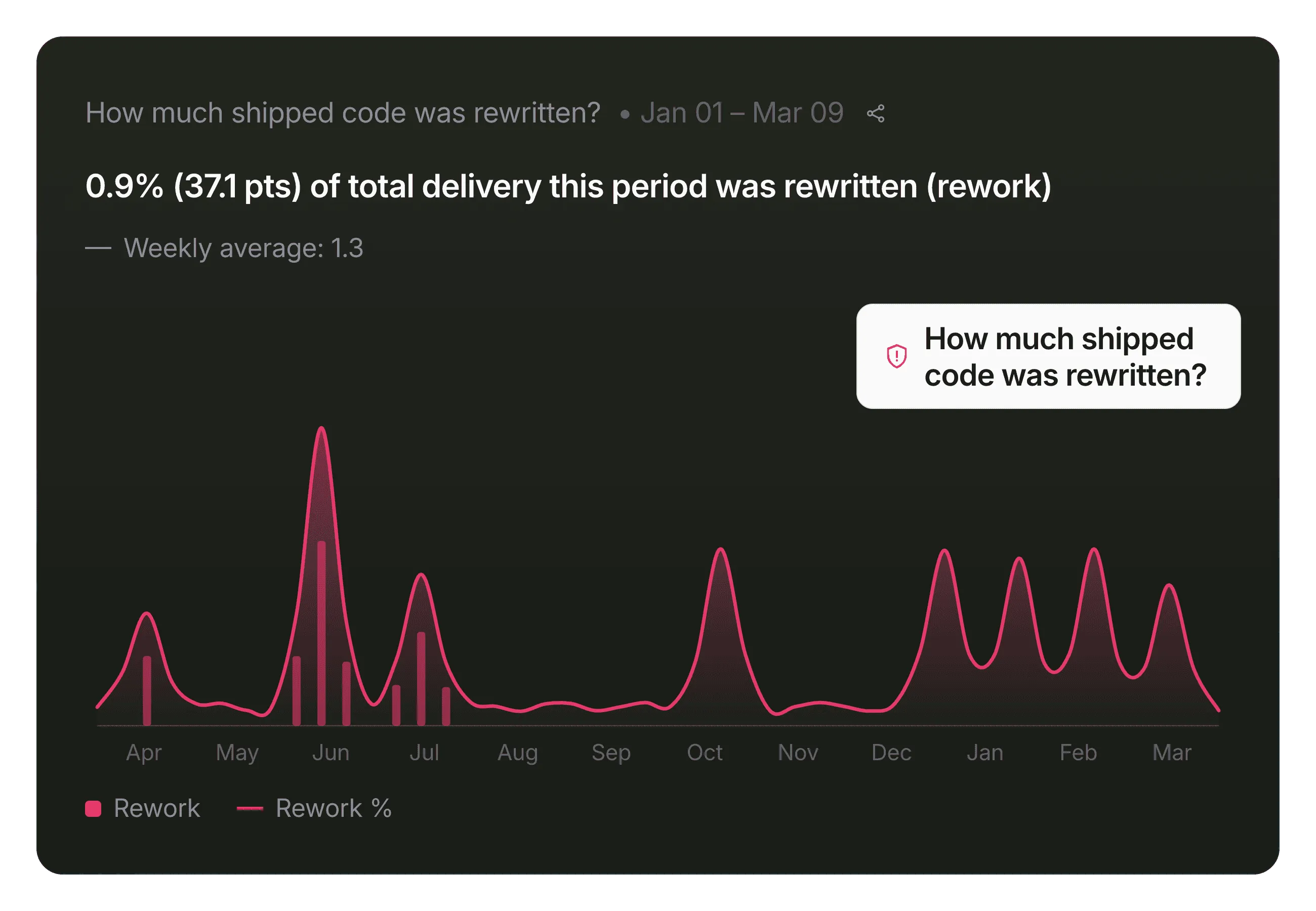
See the work that happens outside the editor
- Google Drive
- Notion
- Confluence
Add context to delivery
- Slack
- Teams
- Google Chat
Understand intent behind the work
- Linear
- Jira
- YouTrack
- GitHub Projects
Align delivery with true capacity
- Microsoft 365 Calendar
- Google Calendar
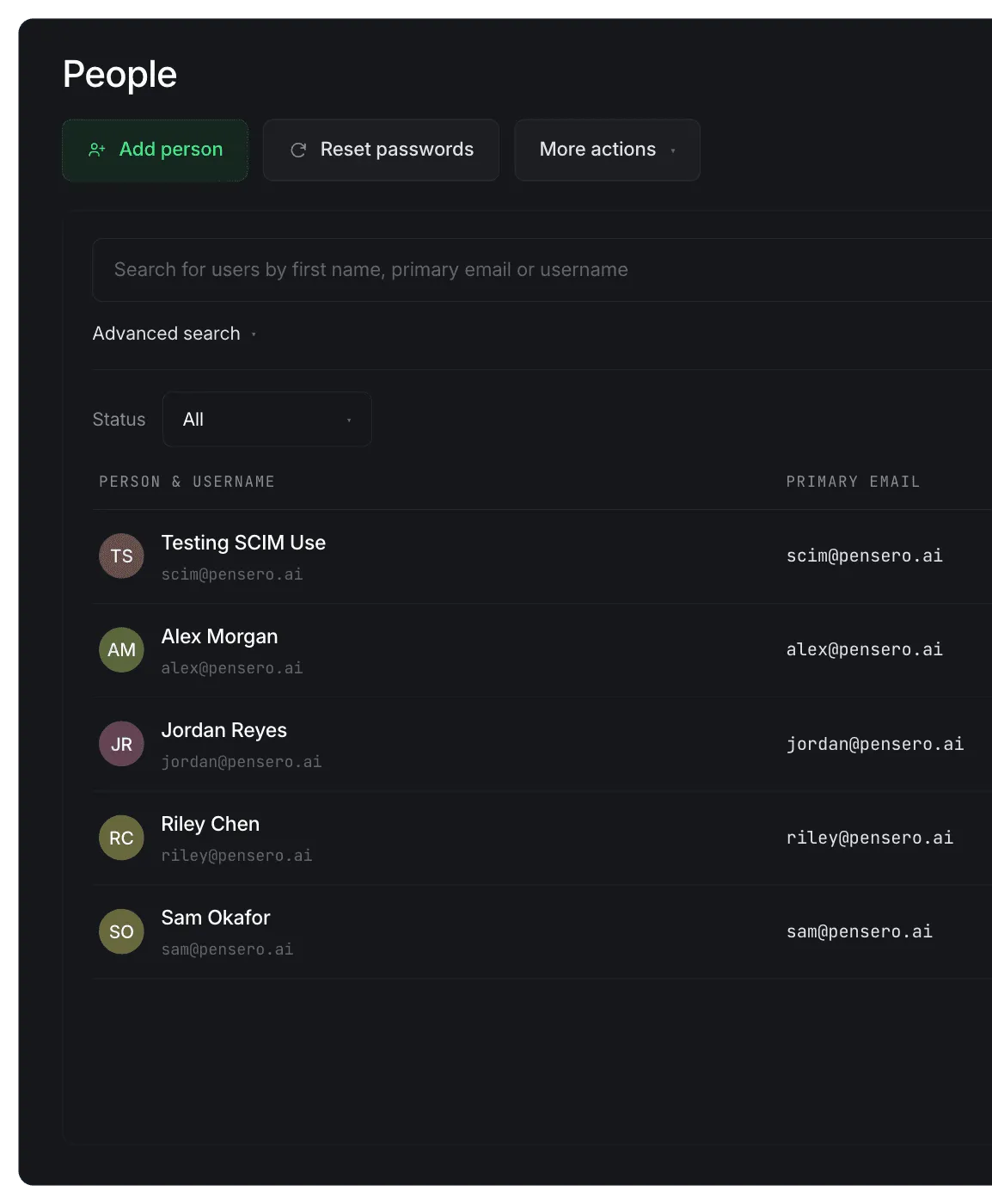
Keep your people and access in sync
- OktaEnterprise only
The Delivery Point™. Used at 200+ organizations.


Security & privacy
Built on strict data boundaries.
Pensero is designed so leaders gain visibility without exposing what teams actually build. Your engineering intellectual property remains protected.


We never store raw code or AI prompts
Pensero derives signals from activity, your source and prompts are never persisted.
Explicitly connected items are analyzed
Nothing is touched unless you connect it. Unconnected spaces stay invisible.
Access is controlled and auditable
Scoped, read-only access with a full audit trail of what was read and when.
Enterprise-grade data handling
Encryption in transit and at rest, aligned with enterprise security standards.
How it works
Get started in minutes. See insights in hours.
Connect your stack. See months of history from day one.
1 hour
Connect & Structure
Integrates repositories, tickets and messages automatically so AI can break work into measurable units, giving your team a unified, transparent view of everything delivered.
1 day
Analyze & Detect
Surface delivery vs roadmap gaps, AI contribution patterns, and execution insights so bottlenecks and early performance drag become visible through evidence-based reviews.
1 week
Report & Decide
Establish a single source of execution truth with team-level and AI vs human performance comparisons, enabling board-ready reporting and confident, scalable capital decisions.
Questions teams ask
Is this a new form of Big Brother?
Quite the opposite! Most companies already have control systems, but they usually offer incomplete and outdated information. Pensero levels the playing field and provides transparency by giving access to relevant, objective information to managers and employees. It also enables true collaboration and accountability by providing clarity on where each individual stands. No more water cooler gossip or whispers in the air.
Where do you store my data?
Your data is used only within Pensero’s production infrastructure and is not shared with third parties or used to train general models.
Does Pensero access or store our source code?
No. Pensero does not access, inspect, or store your source code. Pensero reads repository metadata only, such as pull request states, timestamps, review activity, and change summaries. Source code, AI prompts, and generated content are never stored or analyzed. This allows organizations to measure engineering performance without exposing intellectual property.
What data does Pensero collect from GitHub, GitLab, or Bitbucket?
Pensero collects pull request metadata, including: PR title and number State (open, merged, closed) Timestamps (created, approved, merged) Linked issues Files changed and lines added or removed (summary only) Pensero does not read or store actual code. It uses delivery signals to measure workflow, complexity, and collaboration.
How does Pensero integrate with Jira, Linear, or other ticketing systems?
Pensero integrates with Jira, Linear, and GitHub Issues by reading issue metadata only. This includes: Ticket descriptions and scope Status changes Creator and assignee Linked pull requests and documents This allows Pensero to connect planned work with delivered outcomes and measure engineering execution objectively.
Does Pensero read Slack or Microsoft Teams messages?
Pensero analyzes work-related messages only in explicitly connected channels. It does not read private messages, direct messages, or unconnected channels. Slack and Teams integrations are used to understand collaboration patterns and link conversations to tickets and pull requests, not to monitor individuals.